


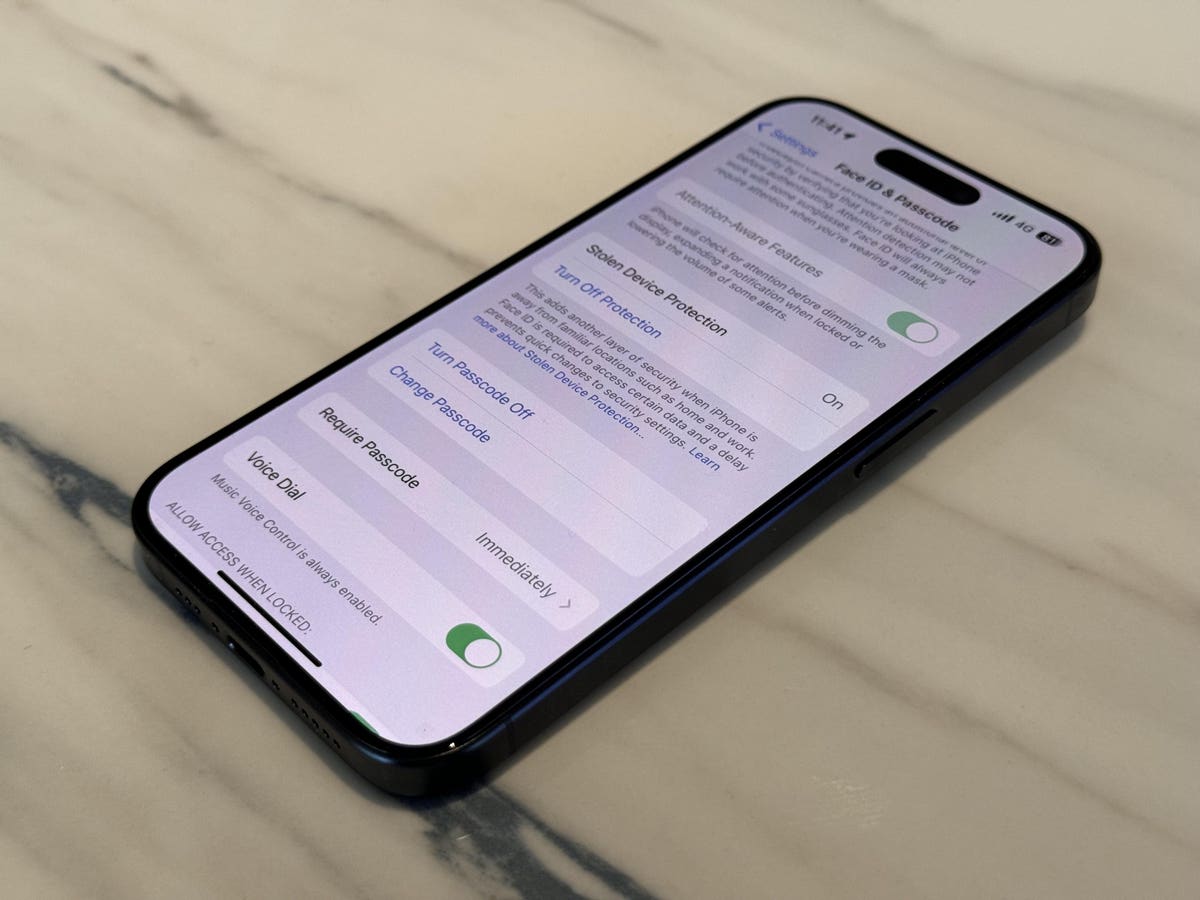
When Apple released iOS 17.3 on January 22, it came with a great new feature, Stolen Device Protection. It means that if someone steals your iPhone, heaven forbid, and they know your passcode, it will be much safer than it was. But it now seems there’s a problem with how it works.
Until now, and with iPhones that don’t have Stolen Device Protection activated, a thief who had gained your passcode could do a lot of harm. They could change the passcode to lock you out of your iPhone, cancel Find My so you couldn’t trace it, and put their own biometrics into your Face ID or Touch ID. From there, they could potentially access elements like banking apps, draining funds in the process. This has happened extensively.
The new feature has been very widely welcomed, and quite right, too. It puts in place restrictions on what can be done on your iPhone, requiring Face ID or Touch ID authentication, without passcode as an alternative, before crucial security issues, like Apple ID passwords, can be changed.
Secondly, if you have a setting called Significant Locations turned on, it also activates a delay of one hour before users can alter these security settings, if a user is away from a familiar location, like home or the workplace, say.
And that, according to 9to5Mac, is where the problem lies.
It’s a clever part of the system, meaning that if you’re at home, you won’t be troubled by having to wait to change something major—it is your iPhone, after all. But while it’s clever, it’s also the system’s Achilles’ heel.
To wax philosophical for a moment, what makes a location “significant”? It could be the place you went for the first date with the person who has turned out to be your lover. Maybe it’s the place you passed your driving test at the third attempt. Maybe… well, you get the point. Apple isn’t looking out for those kinds of locations, rather ones which are familiar to you and therefore likely to mean you’re on safe ground.
And that’s the problem. As YouTuber ThioJoe pointed out in a post on X, “iPhone’s new Stolen Device Protection has a FATAL FLAW (but you can fix it). By default, the protections are nullified when at a ‘familiar location’. The problem is you have NO CONTROL over what is ‘familiar’. The feature apparently uses the ‘significant locations’ feature. I looked at mine, it showed THIRTY-FIVE ‘significant locations’.”
Since some of these could be, say, the bar you hang out in all the time (no judgment), that extra level of security could be turned off in just the wrong place. However, I believe that Apple does not see all of ThioJoe’s locations as significant enough to impact Stolen Device Protections—I think the company has something smarter in place.
I just checked what locations my iPhone reckons is significant. You can do this by going to Settings, Privacy & Security, Location Services and then System Services (scroll down the list to find this). Then in Significant Locations, you can see how many locations the phone considers significant. I have 248 since November. There’s no way Apple is taking more than a tiny fraction of those into account. Even so, not being able to control what’s considered significant and what’s not means you’re relying on Apple to get things just right. I’m confident that it is happening, though.
What’s the solution? Well, it’s pretty straightforward. If you find the extra security settings aren’t active when you’re in an unfamiliar place, you could follow the same route to Significant Locations above, and turn them off.
Personally, I’d leave them be. I don’t believe the issue adds up to a fatal flaw, even if a bit more control would be desirable. And Apple already has an update in the works for March which will enable you to require a security delay wherever you are.
Read the full article here