


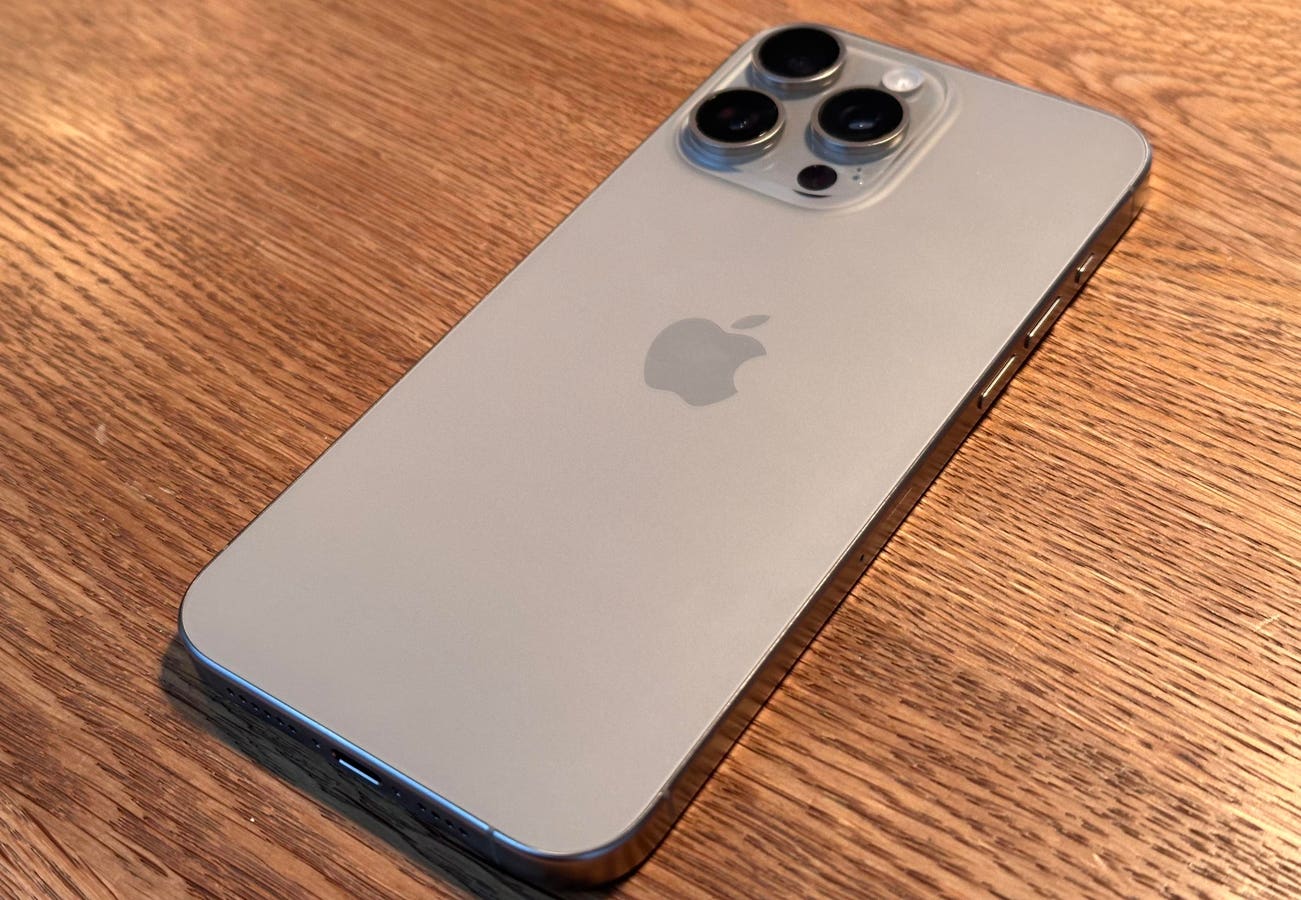
The newly released iPhone 15 Pro and iPhone 15 Pro Max include a new Action Button. Placed where the Ring/Silent slider sat on every iPhone until now, including the iPhone 15 and iPhone 15 Plus, the new button performed the same function, and lots of others. And it’s about to be upgraded.
The change will come when Apple releases iOS 17.1—expected to be the next iPhone software update, unless there’s a hasty security update in between. It’s likely that it will be here before the end of the month.
The third developer beta of iOS 17.1 was released more than a week ago and it included an update to the functionality of the Action Button.
Already, you ask? Yes, and it’s a useful enhancement.
The Action Button comes with a range of pre-set activities, all achieved by simply pressing and holding the button.
If you have the iPhone 15 Pro or iPhone 15 Pro Max, you simply go to Settings and choose Action Button. Here, you’re presented with a graphically delightful series of screens which show the purposes you can assign. Along with Silent Mode, there’s Focus so you can switch to Sleep or Do Not Disturb.
Then there’s Photo, which means you can launch the camera, choosing the regular lens, the selfie camera, video, portrait mode or portrait selfie. There’s a Flashlight option, one to start a Voice Memo, another to launch the brilliant Magnifier app, an accessibility feature or even to set the button to have no function. No, I can’t see why you’d do that, either.
And there’s one other option: Shortcut, and this may be the reason for the update coming so soon after launch. Apple says, “Open an app or run your favorite shortcut.” This last choice means you can do almost anything with the Action Button, from playing your current audiobook to setting a timer, from opening a Reminders smart list to a new Note.
With so much functionality, it seems likely that someone at Apple realized that it would be good to think about what happens when the iPhone is in your pocket. Accidentally pressing the Action Button in your pocket could lead to the phone making an accidental video recording of the inside of your pocket, which would drain the battery and be frankly disappointing visually.
So, when iOS 17.1 rolls around, it will be updated so that most functions, including Camera, Focus, Voice Memo and Flashlight won’t activate from a pocket press. Silent will still work, which makes sense.
Read the full article here