


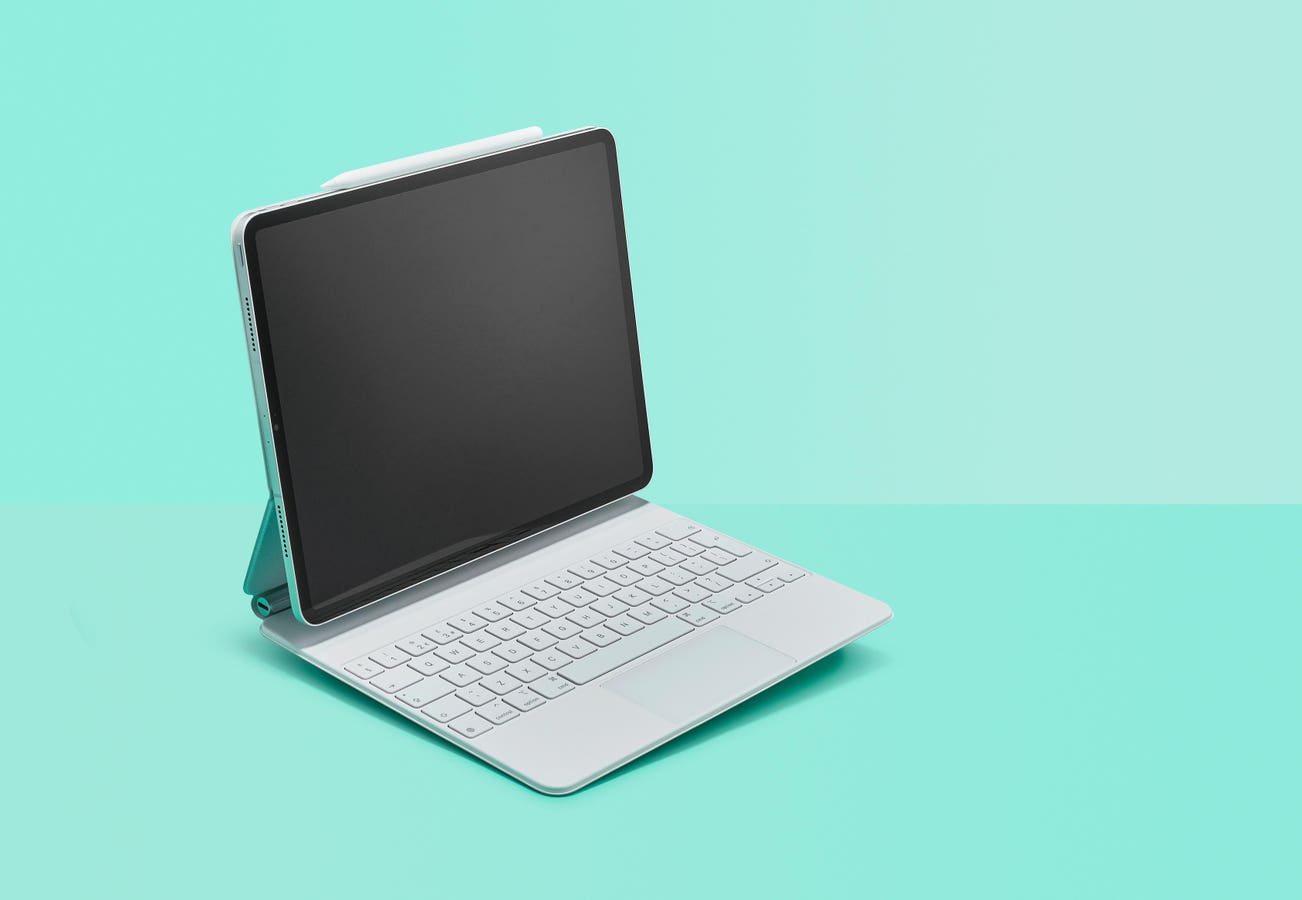
If you’re an iPad owner, you might have been baffled by an error appearing on screen when you turn on your tablet: “Accessory Not Supported”.
What accessory, you might ask yourself? I’ve not connected any accessories! In fact, it might well be an accessory that you have permanently connected that you’ve almost forgotten about.
Accessory Not Supported Error
Assuming you’ve not just plugged a device into your iPad’s Lightning or USB-C port, the most likely cause of the “Accessory Not Supported” error message is a keyboard.
Many iPad owners have keyboard cases, such as Apple’s own Smart Keyboard, Smart Keyboard Folio or Magic Keyboard Folio devices.
However, over time the magnetic connectors that attach these cases to the iPad itself can become dirty or misaligned. That prompts the iPad to throw up the unhelpful “Accessory Not Supported” error message when you turn on the device.
This fault has developed on two separate Smart Keyboard cases that I’ve owned, and judging by the number of people complaining about similar problems on various online forums, I’m far from the only victim.
Although dating back a few years now, this thread on the Apple Community Forum includes a comment from someone who claims to be a director of technology at a private school. That school had more than 50 iPads fitted with Smart Keyboards and the director claims that four or five of those would be afflicted by the “Accessory Not Supported” message, and that the problem continued to get worse as the keyboard cases aged.
How Do You Fix Accessory Not Supported?
Sometimes the fix for this problem is very simple: detaching the keyboard case and reattaching it to the iPad is often enough to make the problem go away, at least temporarily.
That’s an indication that the keyboard connectors have become slightly misaligned with those on the iPad, which can happen when the keyboard gets bashed around a bit over time.
It’s also worth checking for any dust or other debris that might be affecting the connection between the keyboard case and the iPad. A quick wipe down with a dry cloth can often solve those problems, but avoid using any liquids or cleaning solutions on those sensitive connectors.
One other suggestion on the Apple Community thread is to use a strong, neodymium magnet on the gutter of the keyboard case to “reactivate” the magnet in the case itself. I stress this isn’t a solution I’ve tried and it could potentially cause damage to the device, so I’d very much treat this as a last resort, but it might be worth a try if your keyboard case is out of warranty and seemingly beyond all other repair. Several others report success. Definitely do not put a strong magnet anywhere near the iPad itself, though.
If your keyboard is still within its year warranty, it’s definitely worth returning the device to Apple and seeking a replacement. The problem only seems to grow worse with age, so it’s not something you want to leave be.
Read the full article here