


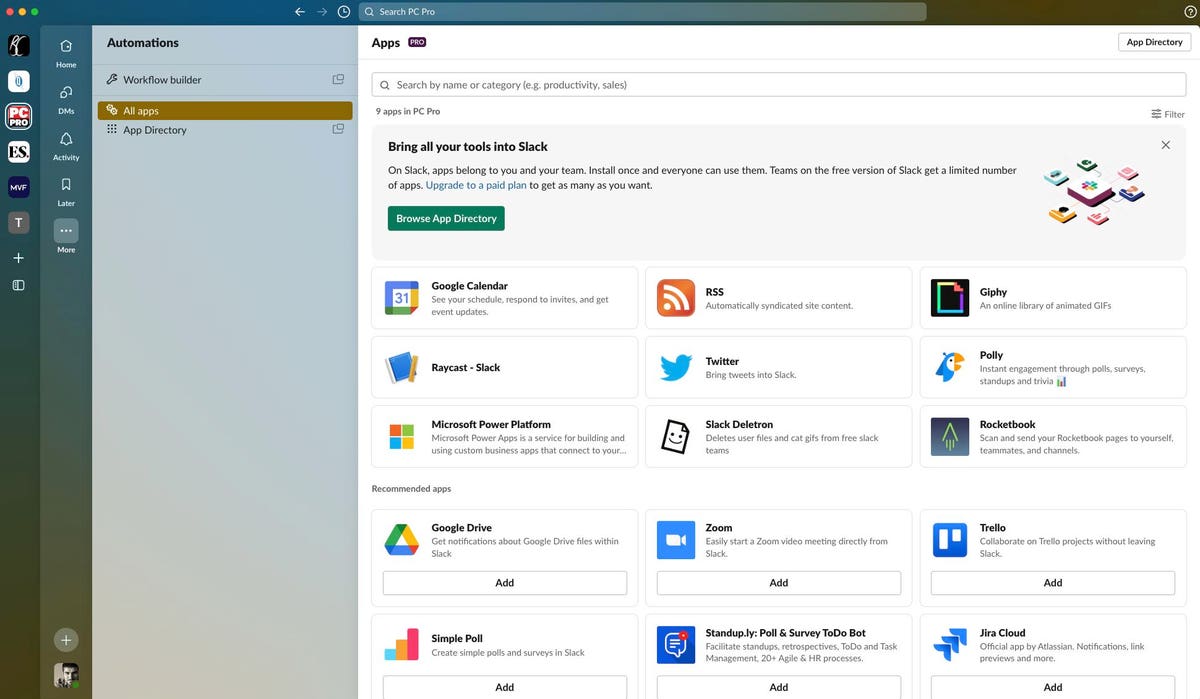
Slack is in the process of rolling out a new design, and it’s fair to say it’s not been met with universal approval. However, the company has backtracked on one of the most controversial aspects of its new look.
The new Slack interface has gone down particularly badly with customers who use the software with multiple clients. The redesign saw all of the user’s different workspaces hidden beneath a single icon, making it impossible to see alerts for individual workspaces.
If you have five different workspaces, but only care about alerts from your employer, say, the new design made it much more difficult to see notifications from that specific workplace.
The company has faced weeks of protest from customers regarding the change.
Finally, the company has backed down, allowing Slack users to once again see all of their workspaces.
How To See All Of Your Slack Workspaces
Assuming your workspace has been updated to the new interface, here’s how to make all of your workspaces visible again in the desktop client.
- Refresh Slack by pressing CTRL + R on Windows or Command + R on Mac.
- Hover the cursor over the icon for your workspace in the top-left corner of the screen, until a pop-up menu appears.
- Select “Show workspace switcher.”
- Your various workspaces should now appear in a pane on the left-hand side of the Slack interface, as it used to do with the old interface.
In a Twitter update announcing the new feature, the company admits this was a “pain point” for customers who had been upgraded to the new interface.
The company had previously resisted requests from customers to let them revert to the old interface. A support document on the company’s website stated: “It’s not possible to revert to the previous version of Slack.”
While the climbdown on the workspace switcher doesn’t address all of the problems with the new interface, not least that it breaks some legacy themes, it does indeed remedy one of the biggest drawbacks.
Read the full article here