


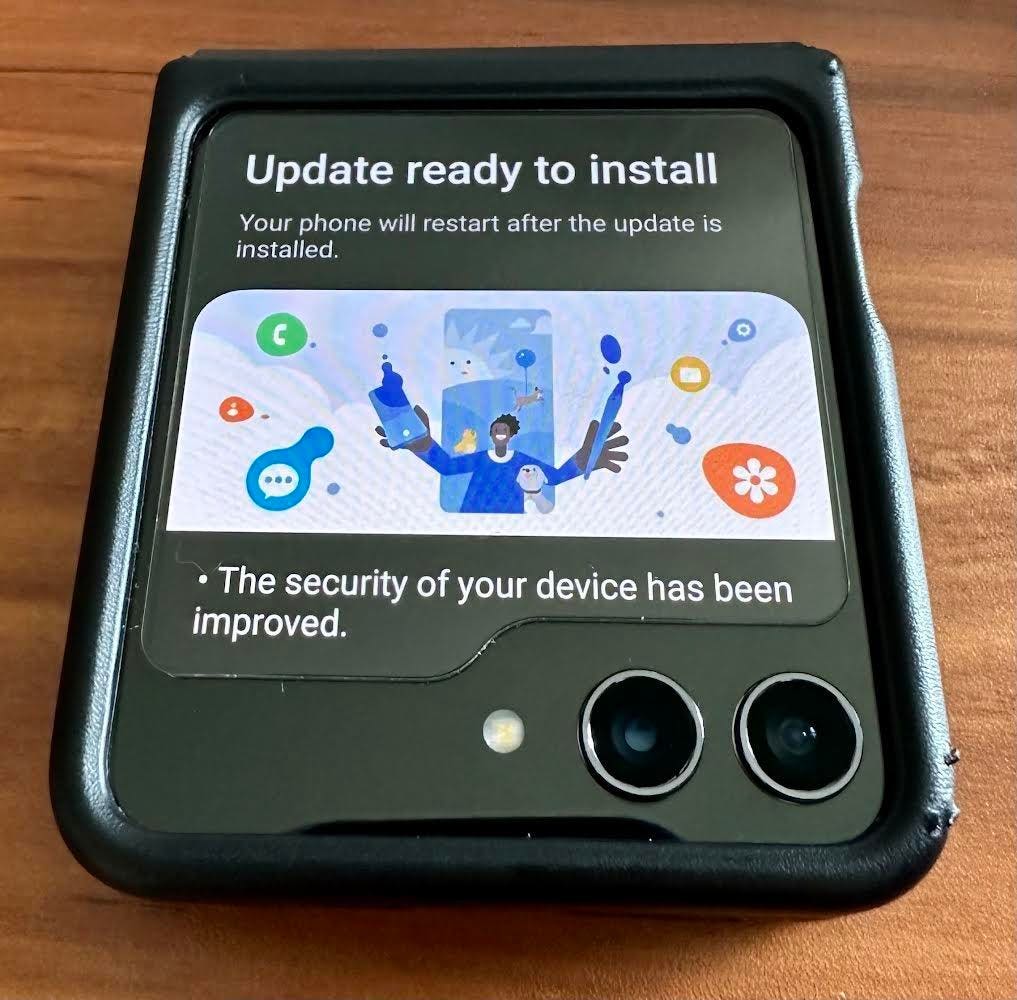
The Galaxy Z Flip 5 has only been available in stores for a week, and Samsung has already released the first security update for the class-leading folding smartphone. I’ve had my Z Flip 5 a little longer as I pre-ordered to take advantage of the, frankly, incredible trade-in offers. I cannot lie; I was pleasantly surprised when the security update landed so quickly, not least as it fixes a total of 86 vulnerabilities, including three that are flagged as critical.
It’s Five For Five As The Z Flip Gets 60 Months Of Security Updates
Samsung does seem to have taken firm control of getting these security updates distributed really quickly now, at least as far as their latest flagship devices are concerned. I had previously had delays, sometimes of more than a month, for security updates to arrive on my Note 10+ 5G, for example. Things were better regarding my Z Fold 3, the refurbished, second-user device that I traded in for the very impressive new Z Flip 5 in yellow.
Just as the length and quality of manufacturer warranty is a selling point for cars, so software and security updates are for smartphones. Indeed, the fact that the Flip 5 is guaranteed to get the next four major Android operating system updates and, importantly, security patches for five years was a significant factor for me.
Samsung Galaxy Z Flip 5 August 2023 Security Update
The Galaxy Z Flip 5, which ran on Android 13 at launch and came with the July 2023 security update out of the box, now has One UI version 5.1.1 and the August 2023 security update available. So, what does security patch level 1 August 2023 fix?
As always, full and public technical details are in short supply when any new security update lands so as to ensure as many devices are protected as possible first. However, as other devices had got the August update earlier in the month, the SMR-AUG-2023 changelog has now been published by Samsung. This reveals a total of 86 vulnerabilities. There are 51 common vulnerabilities and exposures on the Android side and a further 35 Samsung vulnerabilities and exposures. When it comes to the SVEs, only 19 are included in the changelog, and Samsung says the remainder “cannot be disclosed at this time.” You can refer to the changelog itself for the complete list of CVEs and SVEs (with corresponding CVE numbers), but the three that are rated as critical in this update are as follows:
CVE-2023-21629
CVE-2023-21629 is a memory corruption issue in the modem due to “double free while parsing the PKCS15 sim files.” According to the VulDB database listing for CVE-2023-21629 exploiting the vulnerability impacts “confidentiality. integrity, and availability,” but there is no publicly available exploit at this time.
CVE-2023-21282
CVE-2023-21282 is a remote code execution issue with “no additional execution privileges needed.” What is needed for a successful exploit, as is often the case with this type of vulnerability, is user interaction. Once again, there are no publicly available exploits known at this time.
SVE-2023-0821
SVE-2023-0821 (CVE-2023-30699) is an out-of-bounds vulnerability impacting the libsimba library, which can lead to remote code execution. This vulnerability carries a 9.8 out of 10 criticality rating.
How To Check If Your Samsung Galaxy Z Flip 5 Has The Latest Security Update
Because of the fractured nature of the Android ecosystem, software updates, including security updates, do not necessarily arrive for everyone simultaneously. You can check to see if your Z Flip 5 is protected against the latest swathe of security vulnerabilities by heading to Settings|Software update. Hit the download and install option, and your Flip will check to see if you are up to date. While in the software update settings, ensure that the auto-download over Wi-Fi option is enabled, as this will download any updates as they become available, as long as you are connected to a Wi-Fi network.
Read the full article here