


Topline
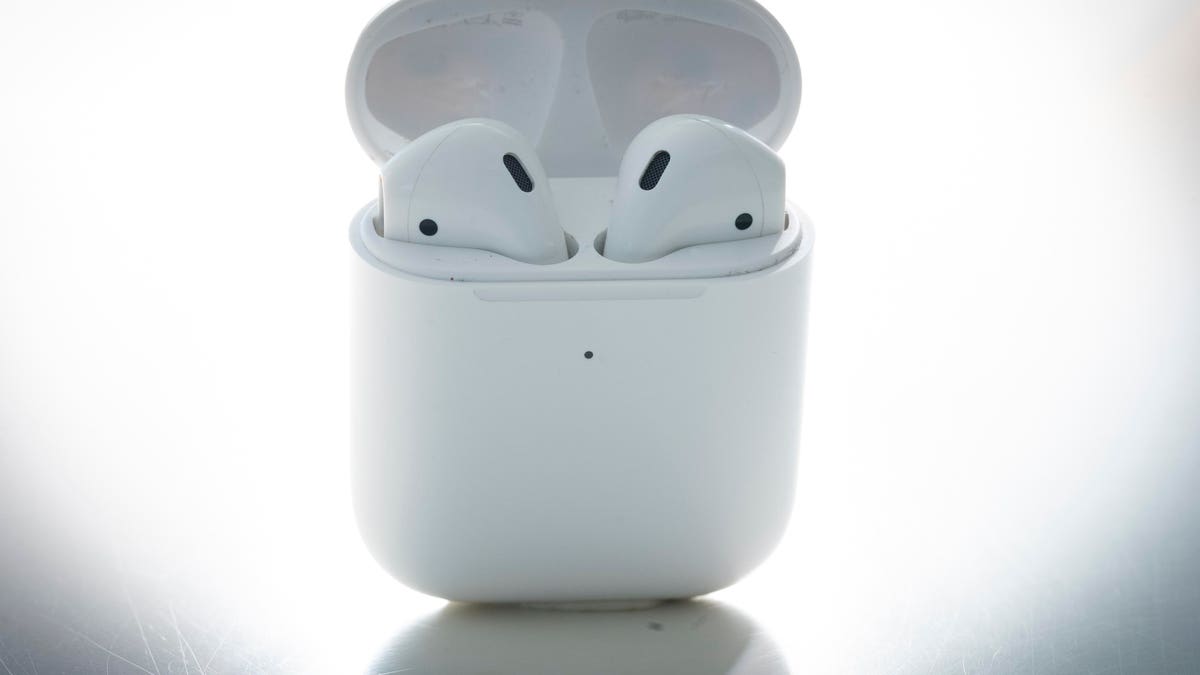
AirPods and AirPods Pro can be used for a variety of things, like watching a movie, listening to music or reading an audiobook—here’s how to reset them if you’re having issues.
Key Facts
AirPods or AirPods Pros may need to be reset if there’s an issue charging or connecting to a device, for example.
You can reset your AirPods or AirPods Pro even if you don’t have the Apple device you’ll be using them on with you.
Before resetting AirPods or AirPods Pro that have been used by someone else and connecting them to a device, first ensure that the previous person removes them from their Apple ID.
How To Reset Airpods Or Airpods Pro
To reset your AirPods or AirPods Pro, first make sure both earbuds are in the charging case and then wait 30 seconds. Next, open the charging case lid and put the AirPods or AirPods Pro in your ear. Unlock your Apple device, go to Settings and click the Bluetooth tab. If your AirPods or AirPods Pro appear on the list, click the More Info button (ⓘ) next to them, select “Forget This Device,” then tap again to confirm. To reconnect your AirPods or AirPods Pro to your device, put them back in their charging case with the lid open and place them next to your Apple device. Next, follow the steps on your device’s screen as instructions may be different for different devices.
How To Reset Airpods Or Airpods Pros Without A Device
If you don’t have your Apple device nearby, there’s still a way to reset your AirPods or AirPods Pro without them. First, make sure they’re in their charging case and keep the lid open. Next, press and hold the button at the back of the case for 15 seconds, or until the status light flashes amber, then white. To reconnect your AirPods or AirPods Pro once your device is in range, make sure they’re in their charging case with the lid open and place them close to your Apple device. Next, follow the steps on your device’s screen—they may appear differently depending on device type.
Remove Airpods Or Airpods Pro From Apple Id
AirPods or AirPods Pro can only be associated with one Apple ID. If you want to use AirPods or AirPods Pro that have been used by someone else, they must first remove them from their Apple ID. To do that on an iPhone, iPad or iPod Touch, they must first open the Find My app on their Apple device. Next, click the Items tab and then the Devices tab. Once done, click the AirPods or AirPods Pro on the list of devices, select “Remove This Device,” then tap “Remove” to confirm. To remove AirPods or AirPods Pro from an Apple ID on a Mac, open the Find My app and click the Devices tab. On the map, click the More Info tab (ⓘ) and then click “Remove This Device.”
Further Reading
AirPods Pro: 7 Tips And Tricks To Master Apple’s Earbuds (Forbes)
Apple AirPods Pro (2022) Review: Familiar Look, Outstanding Sound (Forbes)
Read the full article here